Unleash Your Mac's Creative Power
Advanced optimization techniques crafted for video editors, music producers, designers, and developers.
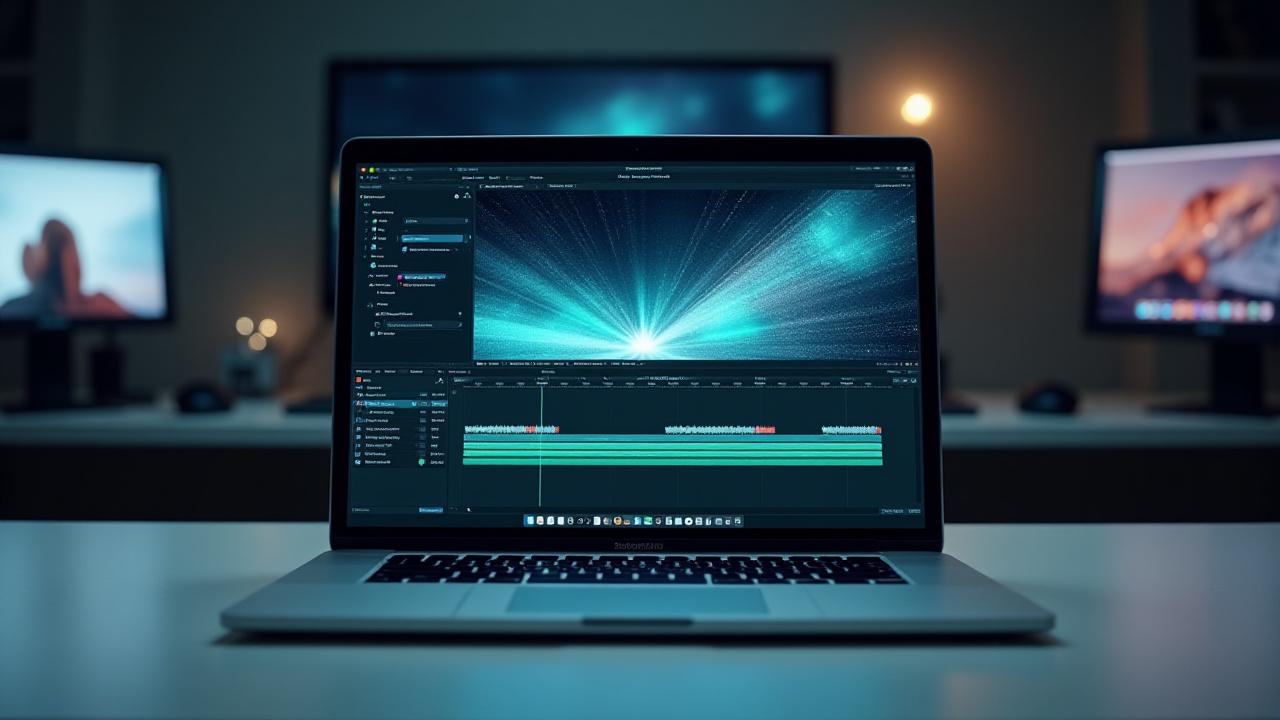
Video Editing
Music Production
Graphic Design
Development
Optimize for Your Workflow
Video Editors
Master render settings, efficiently manage proxy workflows, and handle massive video files without bottlenecks. Dive into guides for Final Cut Pro, DaVinci Resolve, and Premiere Pro optimization.
Explore Video GuidesMusic Producers
Dramatically reduce audio latency, streamline plugin management, and optimize Logic Pro, Ableton Live, or Pro Tools for flawless sessions. Keep your creative flow uninterrupted.
Boost Audio PerformanceDesigners & Photographers
Enhance the performance of Adobe Creative Suite applications, manage extensive font libraries, and ensure accurate color calibration for stunning visual output.
Refine Design WorkflowsDevelopers
Accelerate build times, efficiently manage complex virtual environments, and leverage advanced terminal tricks. Our guides help you code faster and smarter.
Optimize DevelopmentMaximizing M-Series Performance
Are you truly harnessing the full potential of your M1, M2, or M3 chip? Hourglass Hacks provides the expertise to push your Apple Silicon Mac to its limits.

The Power User's Guide to M-Series Mac Optimization
- ✓ Understanding the Performance vs. Efficiency Cores
- ✓ Rosetta 2 best practices for legacy apps
- ✓ Choosing native Apple Silicon apps for peak efficiency
- ✓ Advanced memory management for heavy workloads
Automate Your Creative Workflow
Repetitive tasks like renaming files, converting formats, or backing up projects can consume valuable creative time. Our custom scripting service can build a tailored solution to automate these processes, freeing you to focus on your craft.
Learn About Custom AutomationEssential Tools for Power Users
Discover the curated software recommendations that Mac power users and creators rely on to enhance productivity and system efficiency.
Window Management
Efficiently organize and snap your app windows for maximum screen real estate and workflow harmony. A game-changer for multi-tasking creatives.
Read ReviewAdvanced Clipboard
Copy multiple items, access historical clipboard entries, and paste with formatting control. Essential for developers and designers who handle countless snippets.
Learn MoreTerminal Replacements
Upgrade from the default Terminal with features like split panes, themes, custom keybindings, and powerful search capabilities for a superior dev environment.
View Options